

What is TAP & GO?
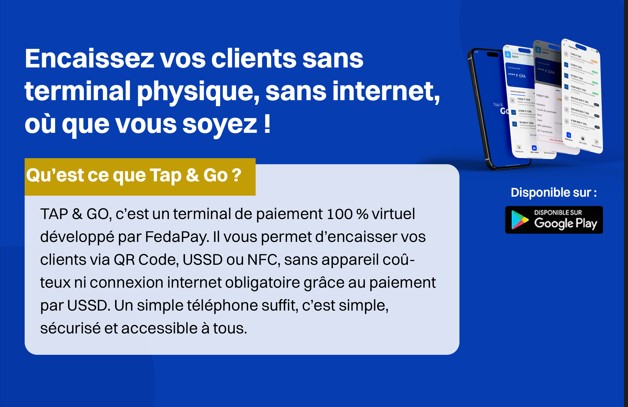
What is TAP & GO used for?
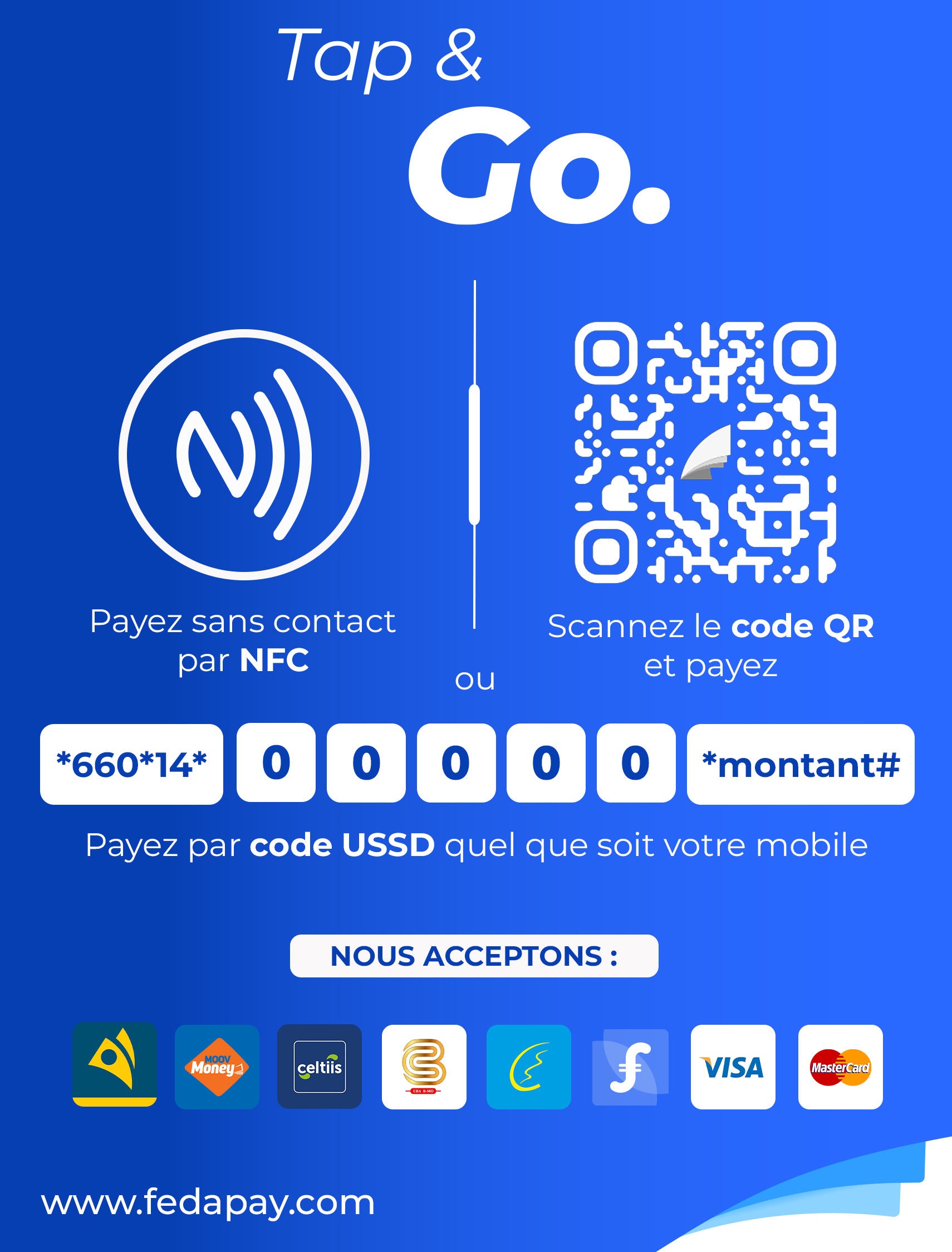
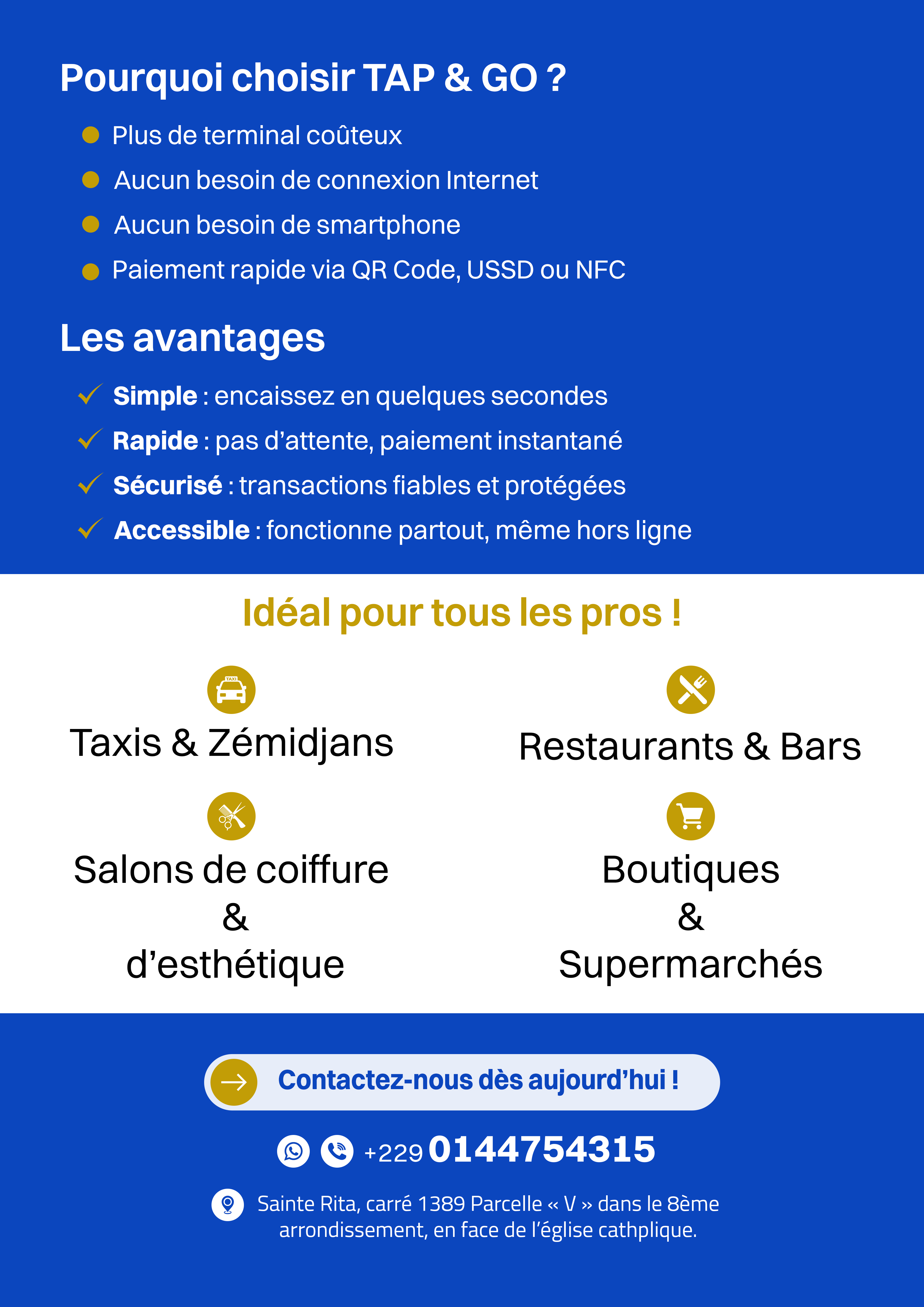
- collect payments from your customers easily via QR Code, USSD, or NFC, without a physical terminal or expensive equipment;
- offer a simple, fast, and modern payment experience;
- collect payments even without an internet connection via USSD;
- track your transaction history in real time;
- receive your payments automatically into your Mobile Money account within 24 hours;
- available payment methods (Benin): Mobile Money (MTN Money, Moov Money, Celtiis Cash, BMO, Coris Money, MyFeda) and bank cards (Visa, Mastercard).
Who can use TAP & GO and how?
1. If you already have a FedaPay account (online merchants or e-commerce businesses) TAP & GO becomes an additional feature to activate in your FedaPay dashboard. It allows you to collect payments from customers via QR Code or USSD. Activation:- Log in to your FedaPay dashboard.
- Go to the menu in your dashboard to activate TAP & GO.
- Contact support at: support@fedapay.com to finalize the activation.
- A black or transparent plexiglass stand to place on the counter or stick on a storefront.
- Your personalized QR codes, USSD code, and NFC tag to receive payments.
- You provide a valid email address.
- You submit your KYC documents (RCCM, IFU, ID document).
- You collect payments via QR Code, USSD, or NFC.
- You receive a real-time notification for each payment.
- Check your balance and payment history in the application.
- Funds are automatically transferred to your Mobile Money account within 24 hours.
- Your QR Code
- A USSD code
- The NFC tag
- You are assisted by a FedaPay agent to create your account.
- Enrollment is completed via the TAP & GO application.
- You provide your IFU and an ID document.
- Once your account is validated, you can start collecting payments immediately.
About the TAP & GO application
The mobile application is:- Exclusively installed by FedaPay agents.
- Designed for physical merchants and independent professionals.
-
Allows you to:
- collect payments via QR Code, USSD, and NFC;
- track your payment history;
- check your balance in real time.
- Optimized for basic smartphones.
- Very intuitive, even for those not comfortable with technology.