

Profile – Account Personalization and Security
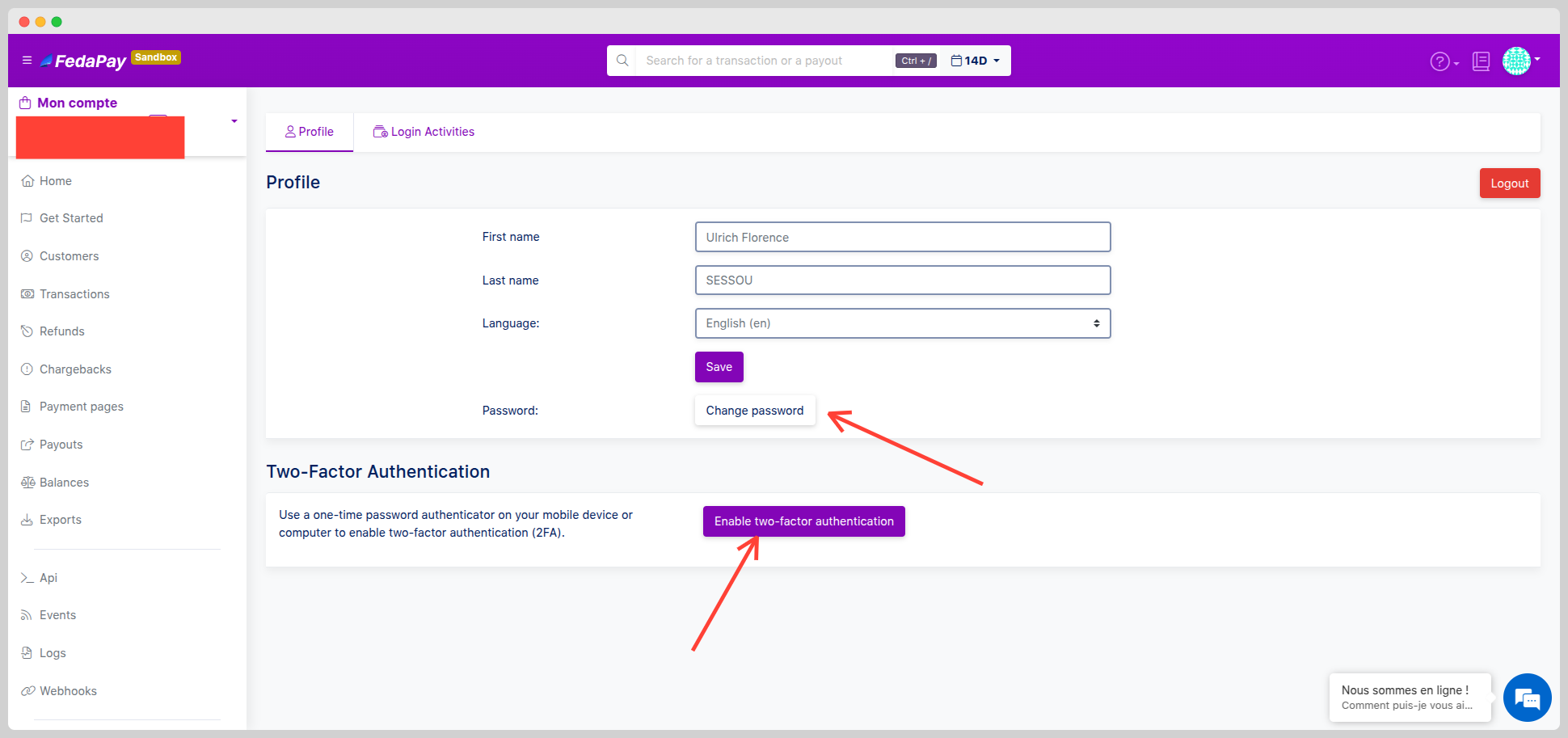
From your interface, click on your name or avatar at the top right of the screen, then select Settings. In the Profile tab, you can:- Edit your personal information: first name, last name, display language.
- Change your password.
- Enable two-factor authentication (2FA) to secure your logins.
Login Activities – Account Access Monitoring
The Login Activities tab gives you a complete overview of recent login attempts to your account. For each activity, you will see:- Attempt status: ✅ Success (green) / ⚠️ Failure (yellow)
- City / Region / Country
- Date and time
- IP address
- Location (city, region, country)
Good to know: In case of a suspicious attempt, immediately change your password and activate 2FA if not already enabled.